






This operation helps the hotel understand the change in the exchange rate to access information or to re-adjust
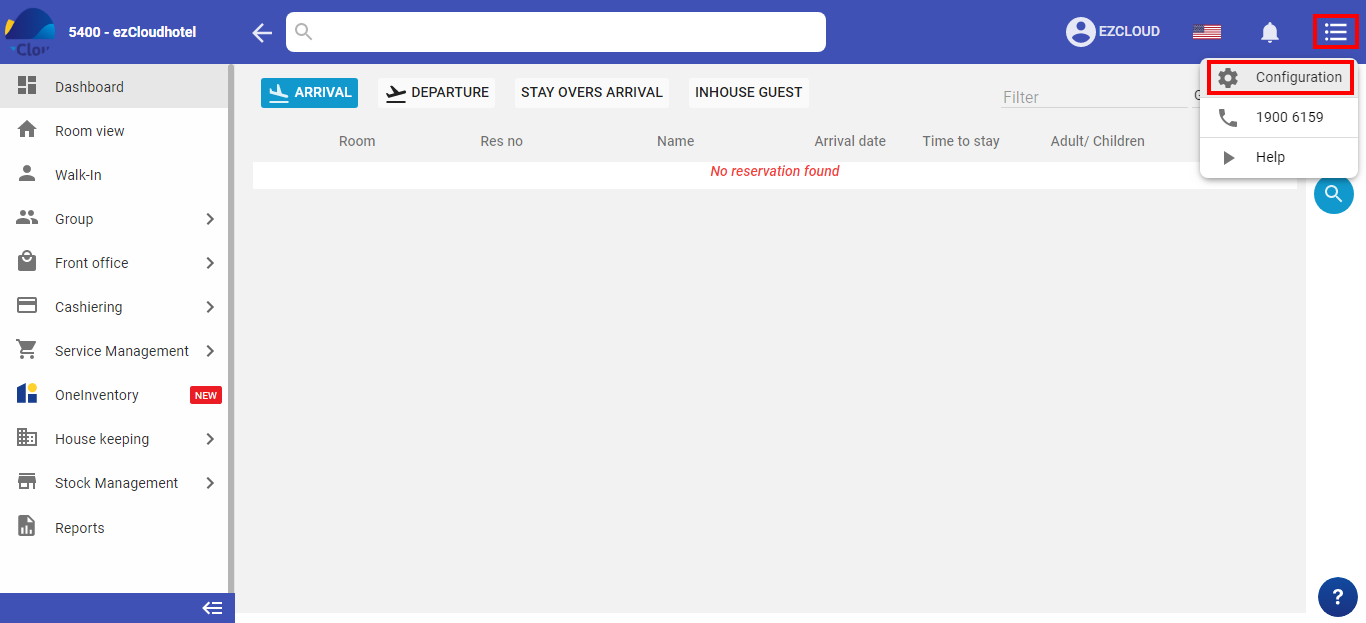
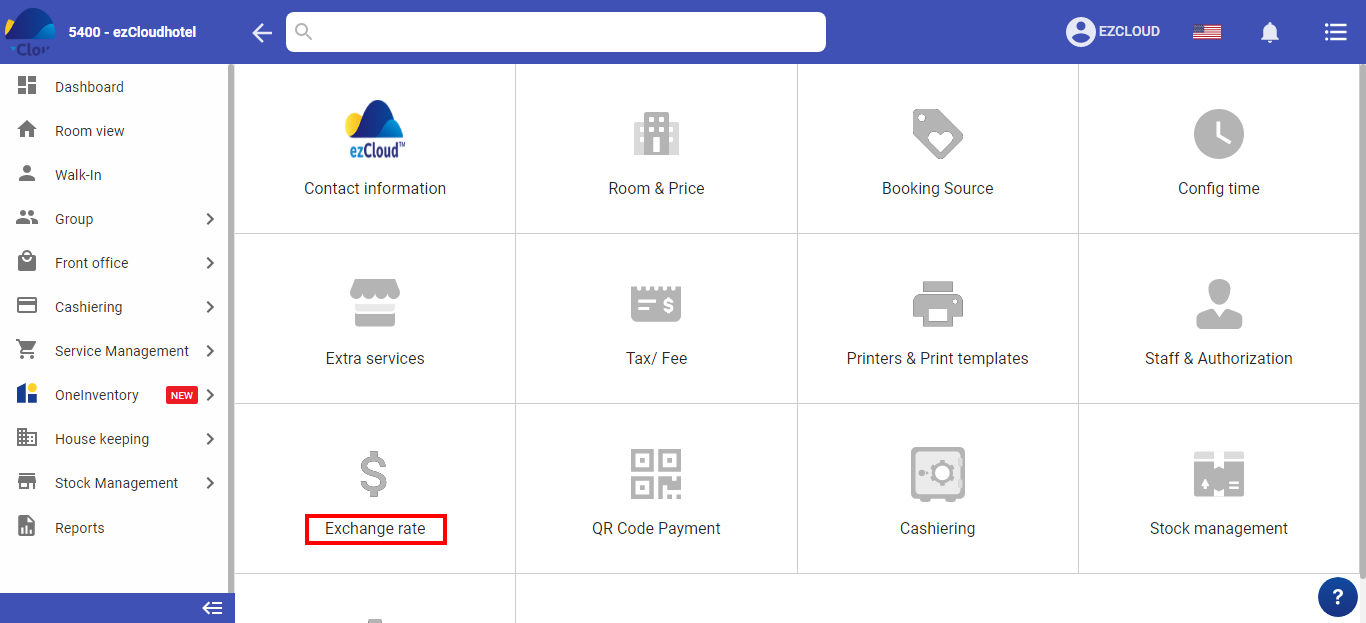
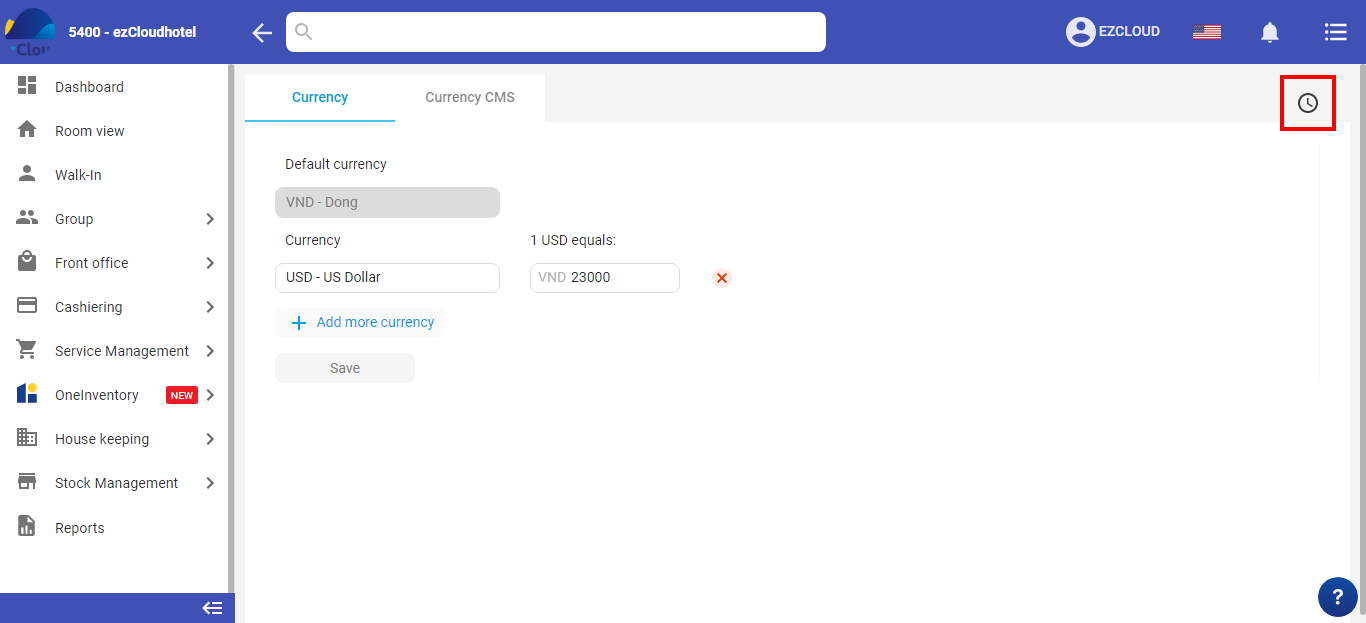
Select the 3-tile icon > select Configuration > select Exchange rate > select icon
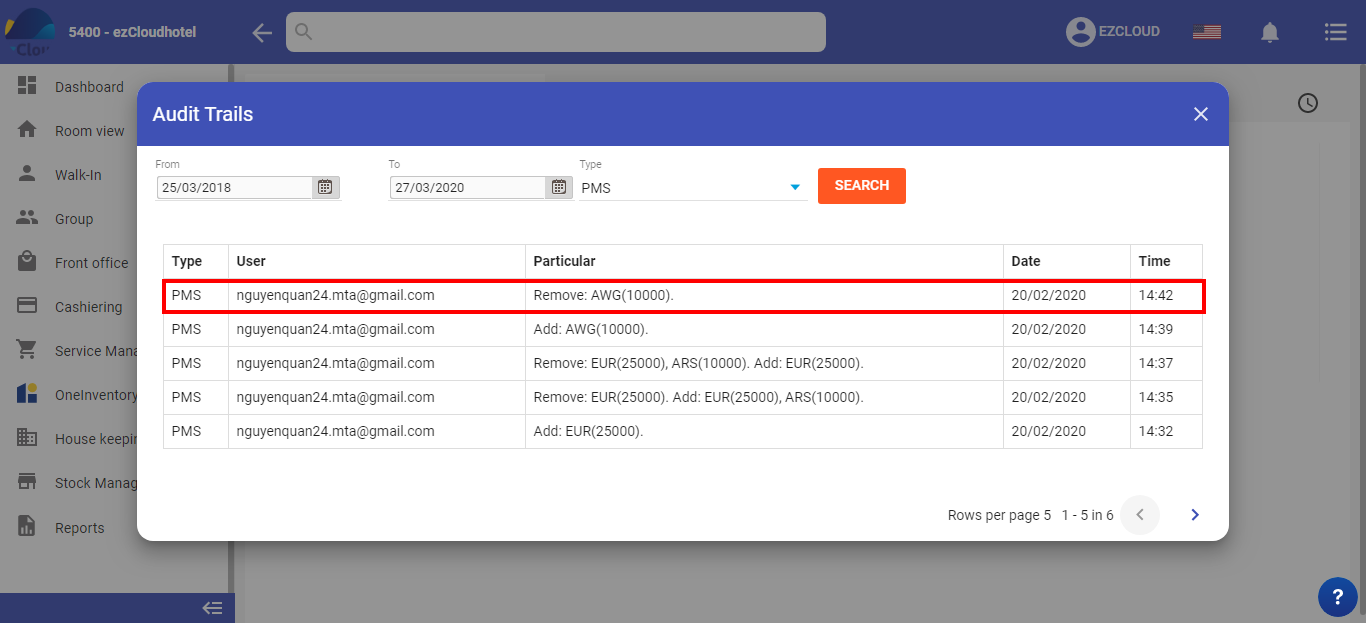
At the enter information screen, enter the interval to be sought, types PMS or CMS > select Search
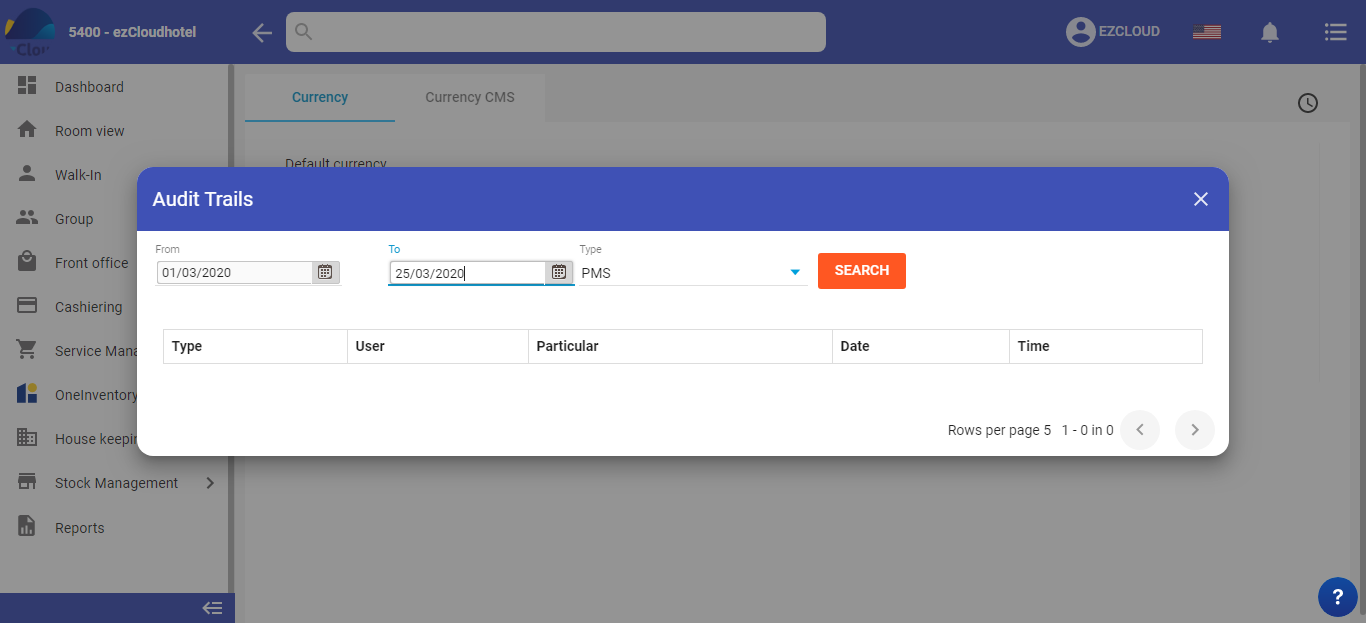
The software will appear the date and time details to perform the changes during that time period