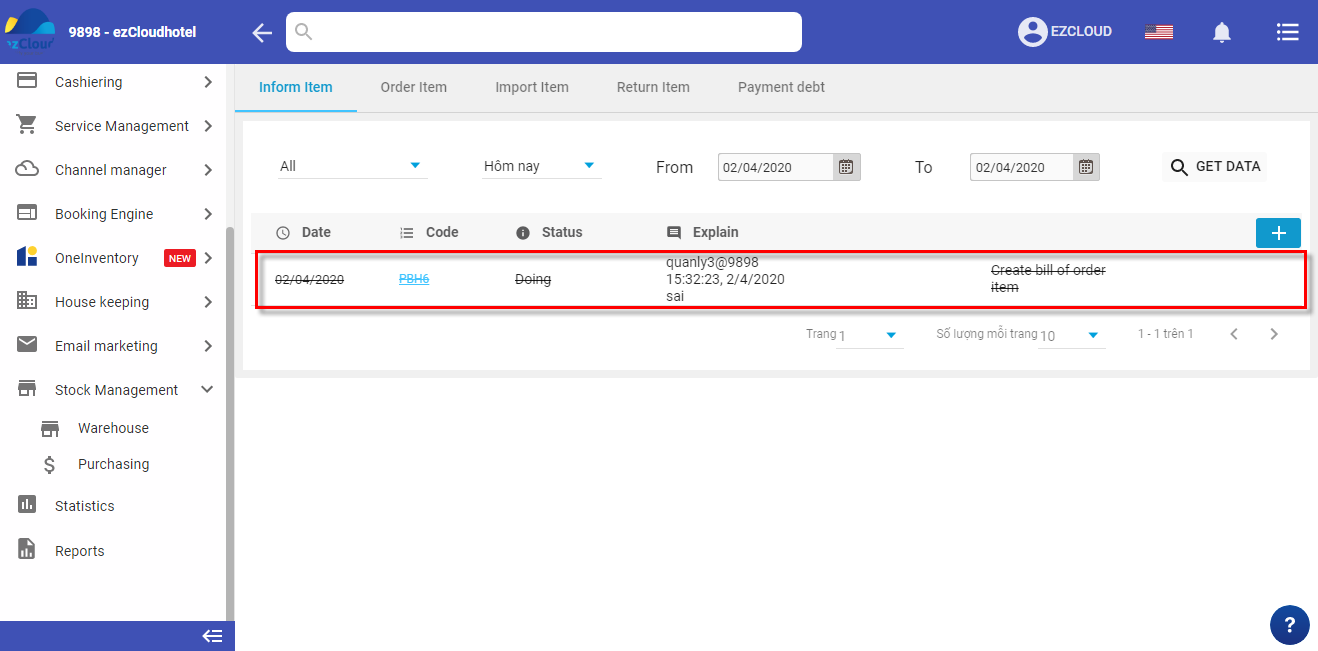







To know how many item need to book or import, the hotel can create Inform item note.
 to create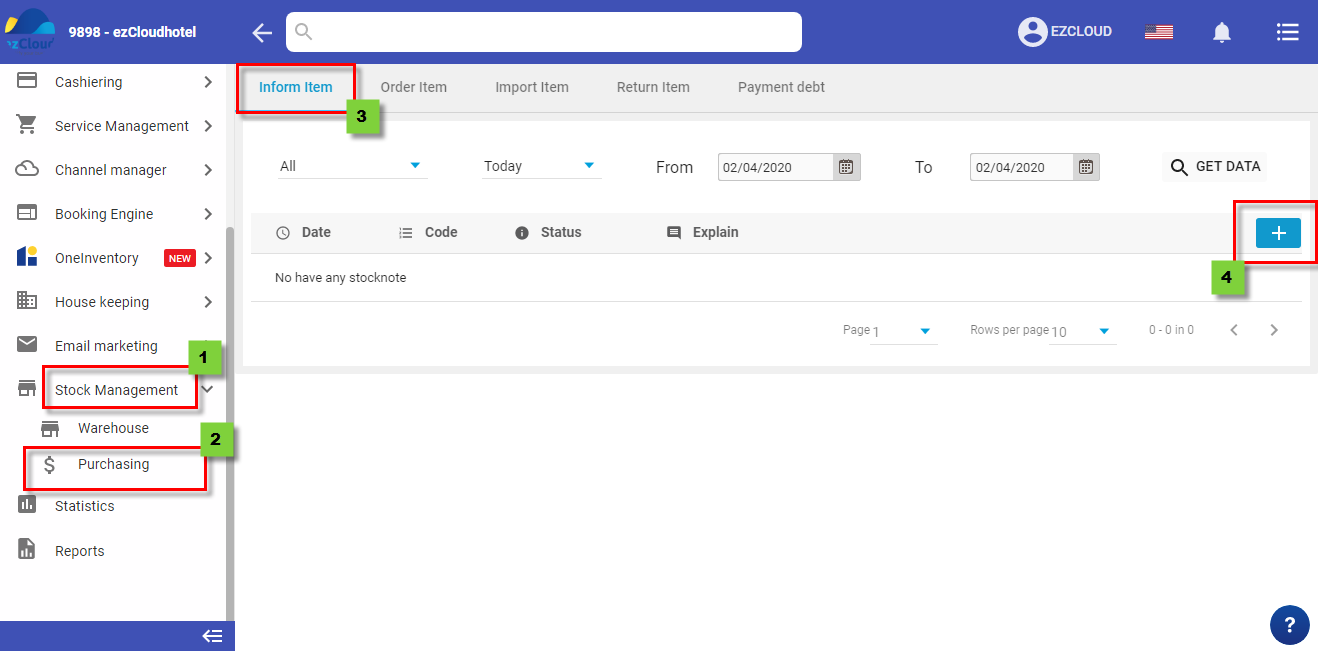
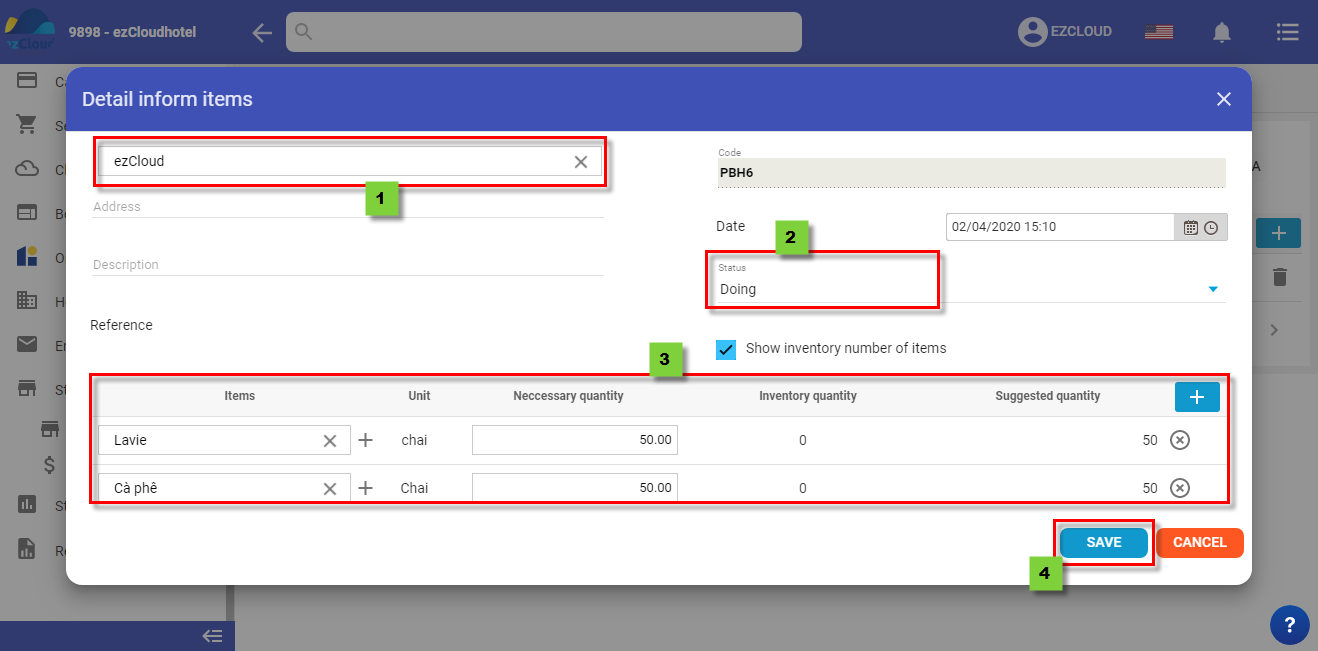
Select inform people name > Status > Select Items, Neccessary quanlity, inventory quanlity, suggested quanlity Save to finish
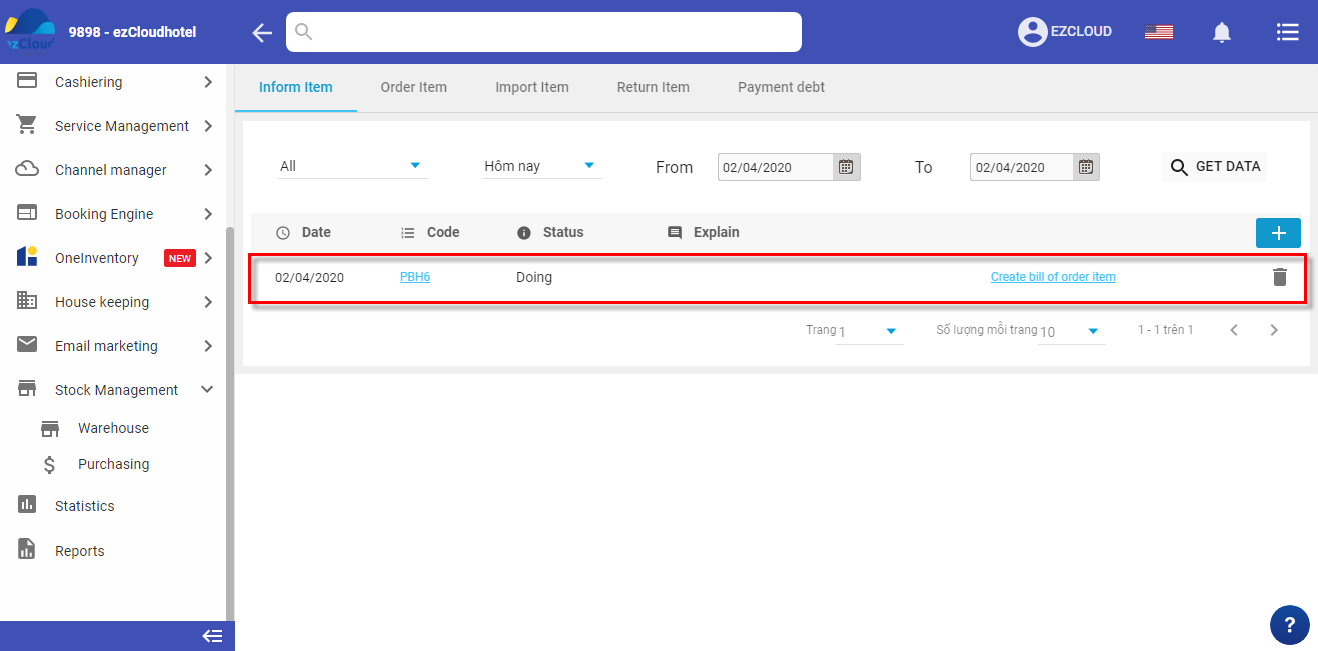
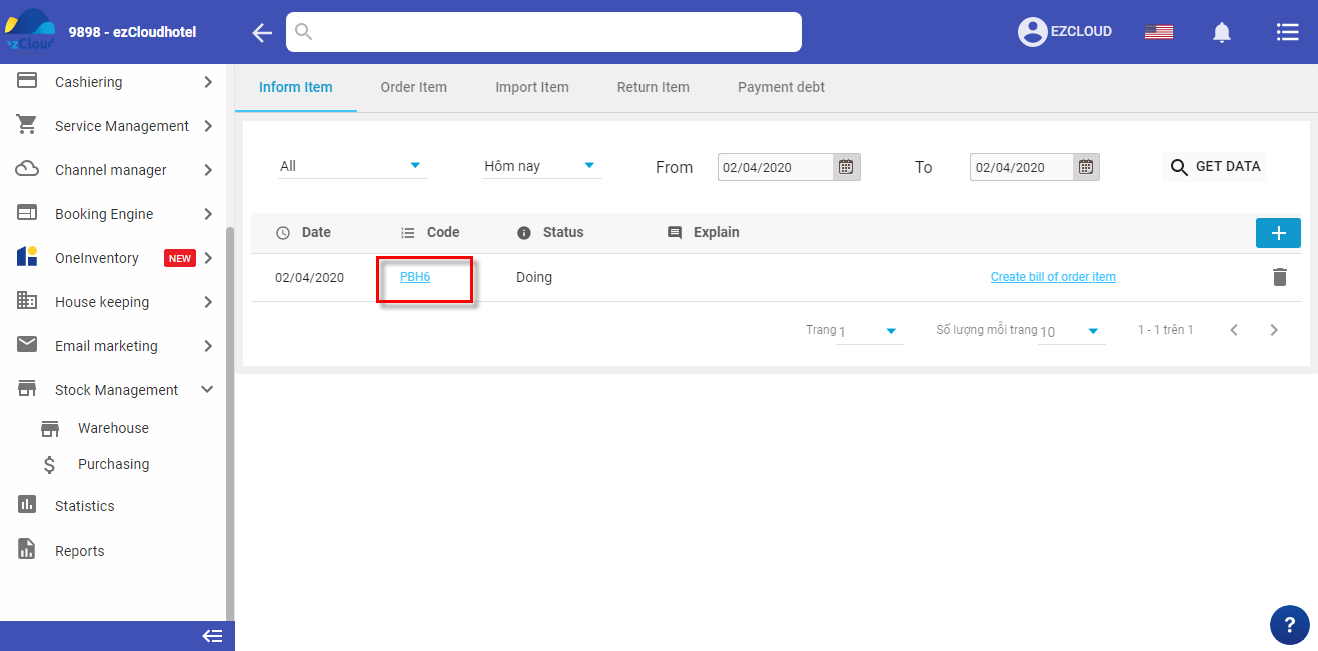
The below picture shows the interface after complete
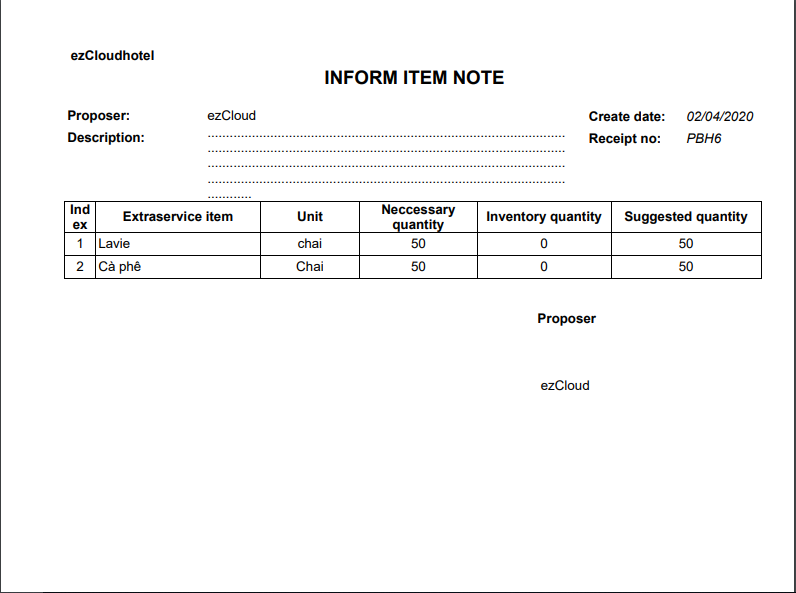
 to print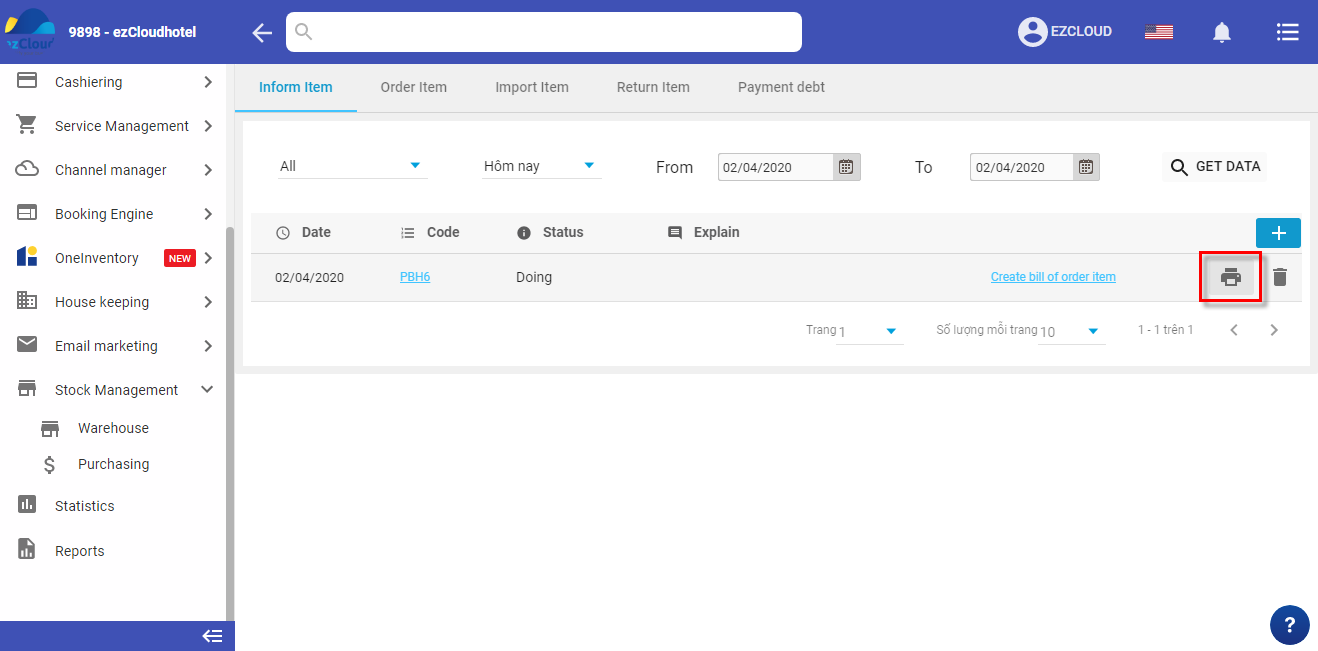
 > enter the reason> OK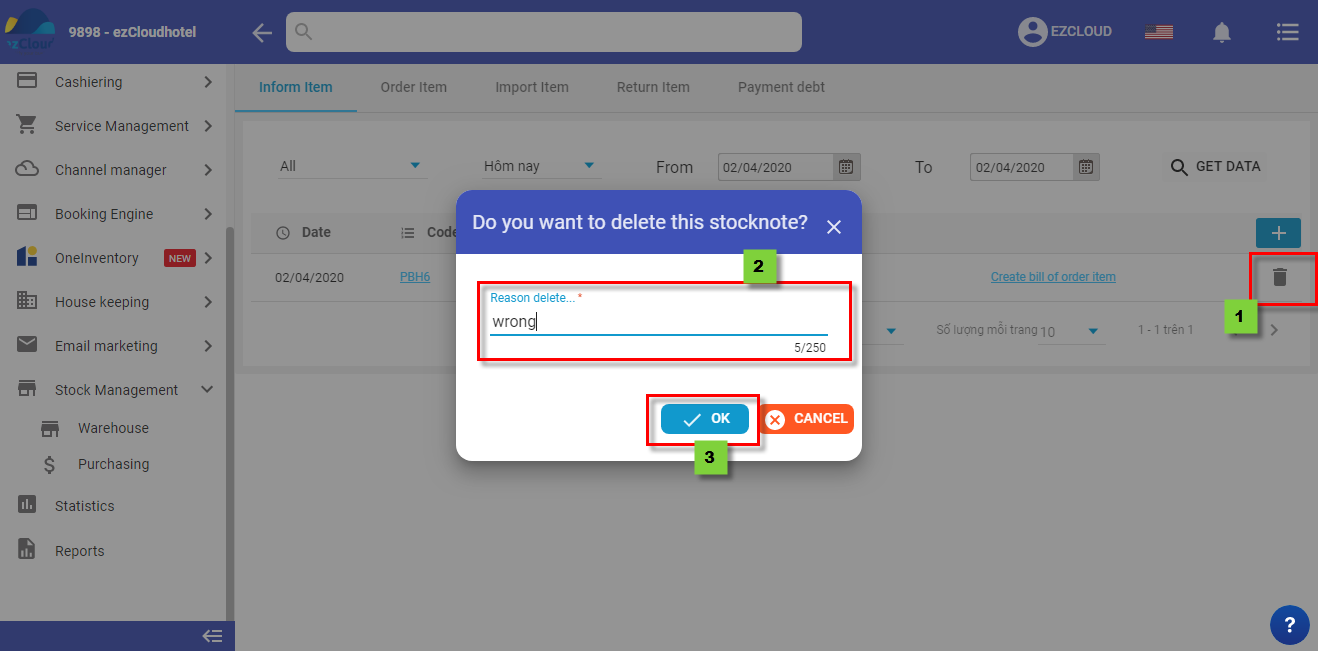
The below picture shows the interface after deleting